Import, distribution and delivery
Customer pricing, pack-level catalogue data, mobile orders, warehouse handoffs and connected documents.
Explore Noria DistributionCommercial operations, connected
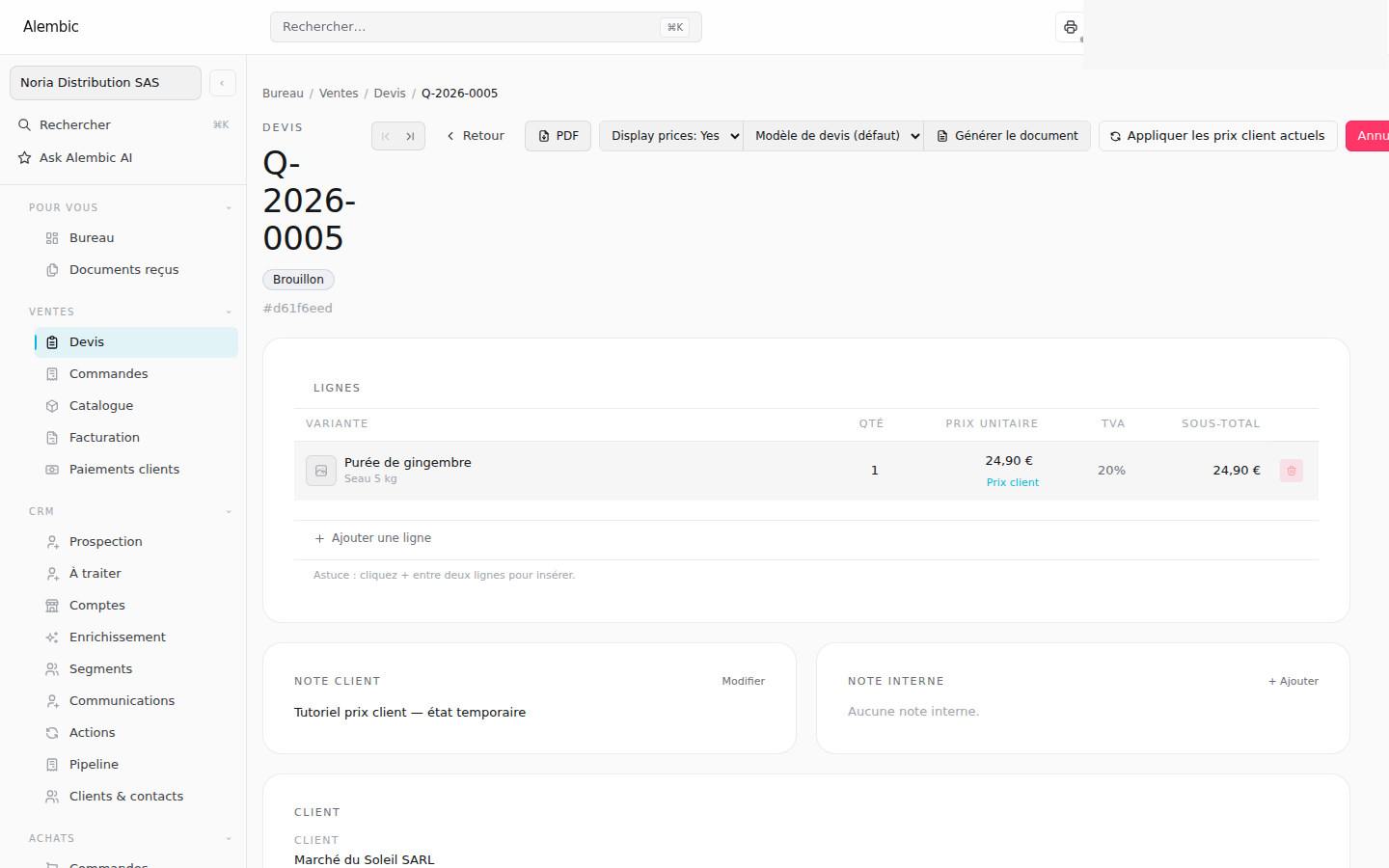
Alembic connects quotes, orders, invoices, stock and receipts—then gives the counter, warehouse and customer the exact view they need.
 Synthetic demo
One commercial thread
Each document remains part of the same operational story, while permissions keep prices, costs and margins in the right hands.
Build the offer with customer prices and clear line-level adjustments.
Confirm demand while keeping product, price and customer context together.
Prepare stock and confirm field work from the interface that fits the job.
Issue the final document and record customer receipts against its balance.
Web and Go
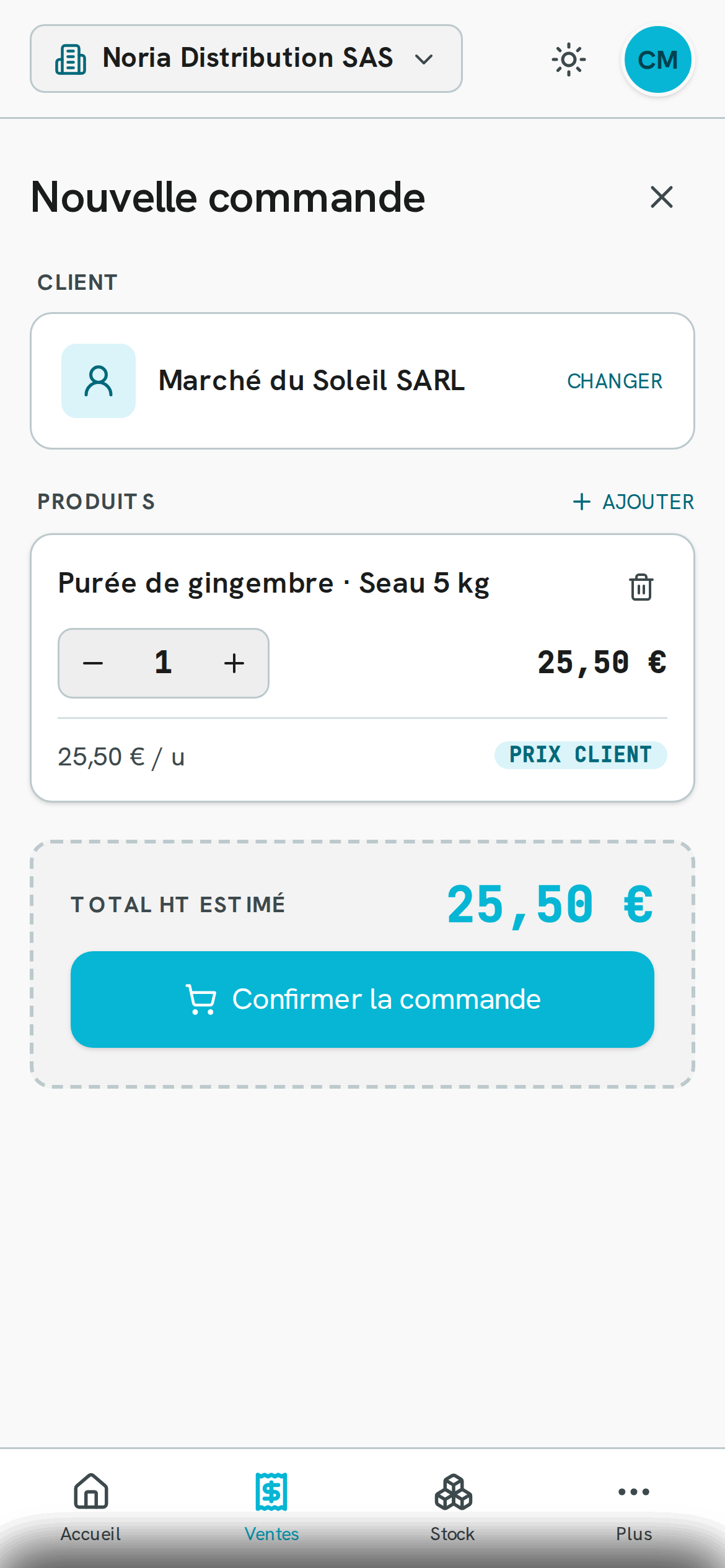
Use Alembic Web for detailed commercial and administrative work. Use Alembic Go when the job happens at a counter, in a warehouse or on a phone.
 Synthetic demo
Three working patterns
The Arcs are synthetic companies used to test distribution, project work and face-to-face trade.
Customer pricing, pack-level catalogue data, mobile orders, warehouse handoffs and connected documents.
Explore Noria DistributionService quotes, published document versions, customer feedback and invoice balances.
Explore Atelier SignalCatalogue prices, professional terms, counter orders and stock-aware fulfilment.
Explore Sol & MatièreWorkflow tutorial
Follow a complete customer-pricing flow: open the customer’s agreements, apply one to a quote, adjust the current line and choose whether the new price should become permanent.
Watch the customer pricing tutorial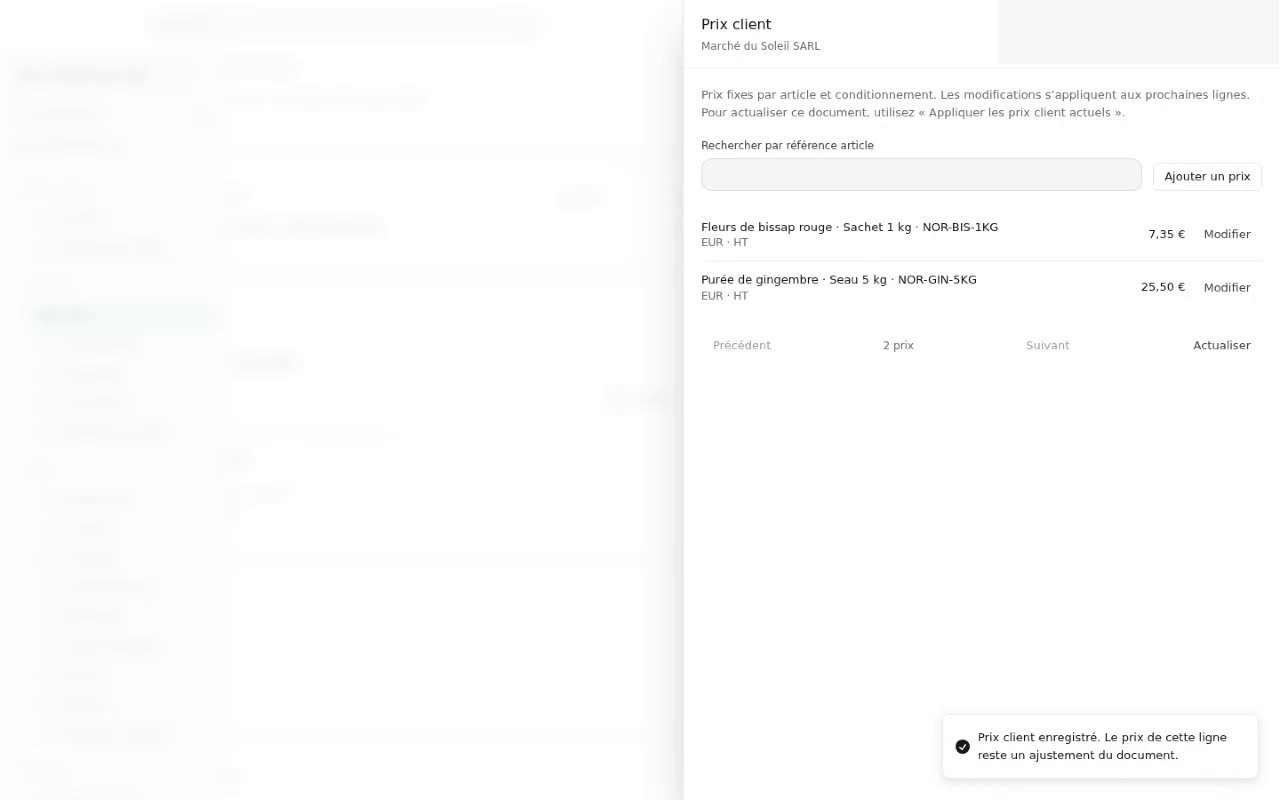 Synthetic demo