Showroom and trade counter
Sol & Matière.
A fictional company for exploring a real Alembic process. Follow the steps, then find the controls in the guides.
Showroom and trade counter
Sol & Matière — fictional demo scenario
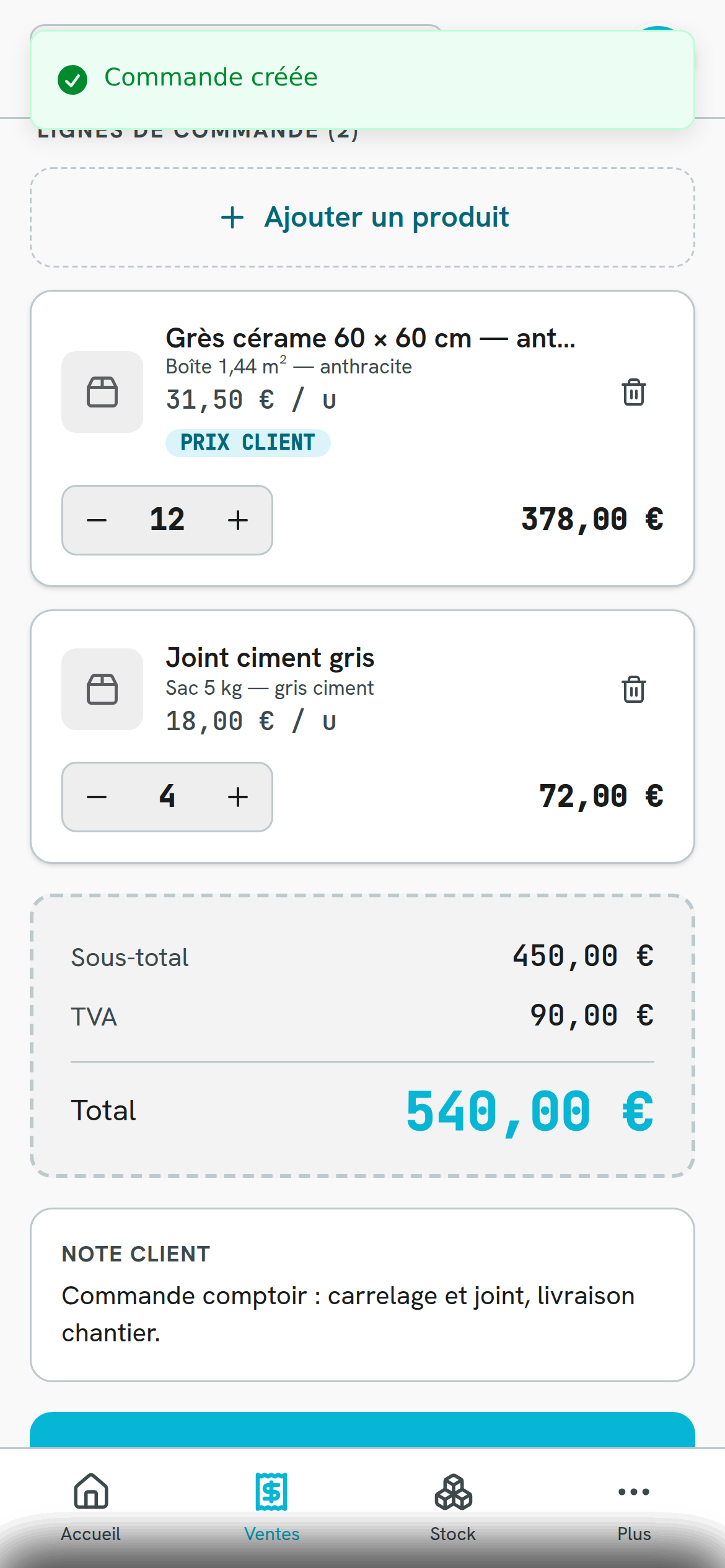
A trade customer chooses products in the showroom. The adviser finds their account and selects items or packs at a desk or on a phone. In Go, the camera supports barcode lookup and customer prices remain visible.
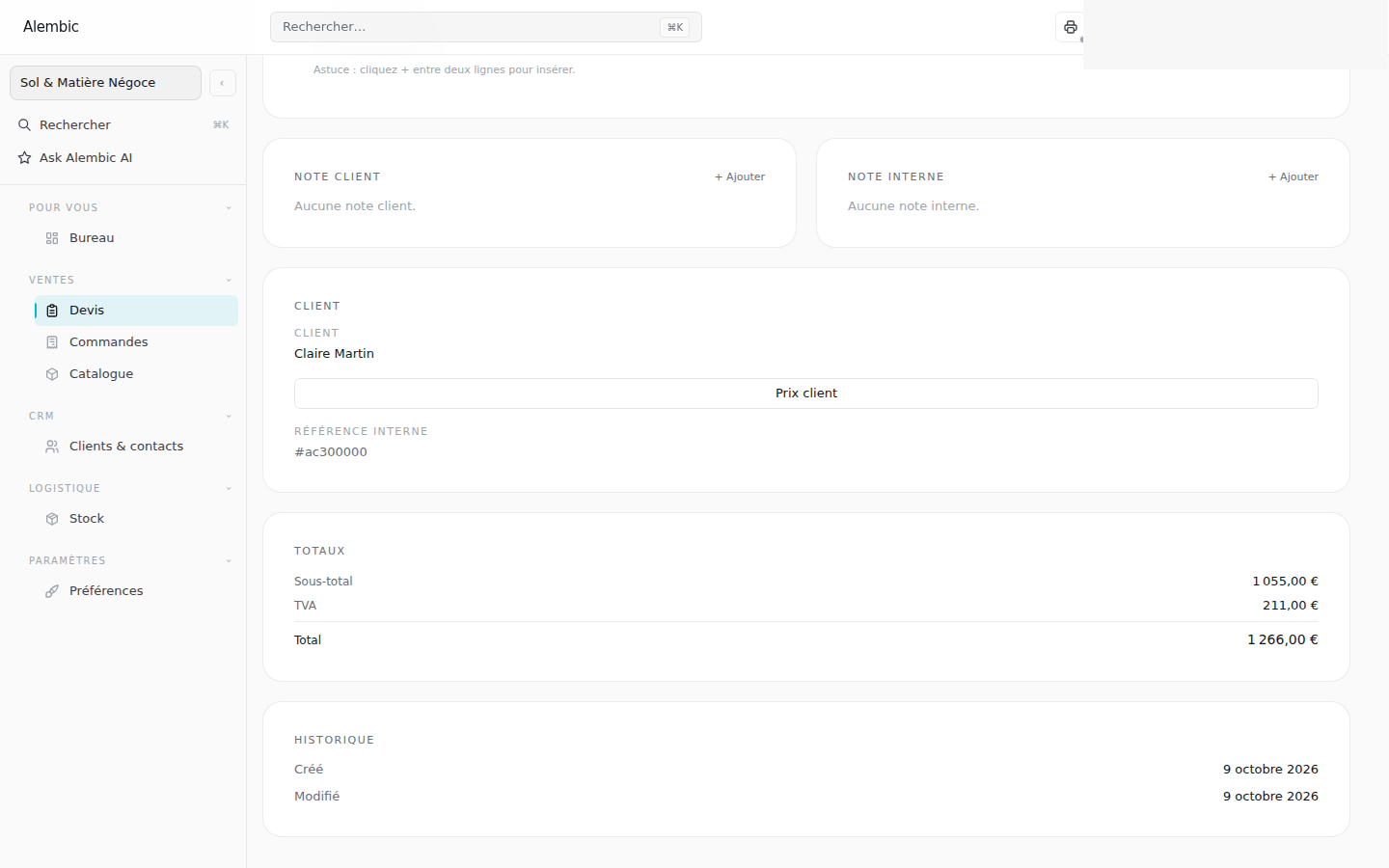
If a price needs to be negotiated, the adviser uses Web to adjust it and decide whether to save it for this customer. The team checks stock, prepares the quote or order, and arranges delivery.
The invoice and customer receipt complete the process. Roles distinguish people selecting items from those who can see costs and margins or validate documents.
What you track: the customer’s selection and terms, item availability and the next steps in the sale.
The steps in the process.
Select the items for the project.
Apply catalogue or customer terms.
Prepare the sale at the desk or counter.
Reserve, dispatch and deliver quantities.
Alembic Go
At the point of action.
See applied customer prices, select items using camera barcode lookup and continue work on a phone. Price agreements are managed in Web.