Use cases
See how Alembic fits your working day.
At the office, in the warehouse or at the counter, a sale takes different forms. Explore how teams can use Alembic for their work, with Web, Go and a separate workspace for connected customers.
Scenario 01
Distribution and wholesale
Noria Distribution — fictional demo scenario
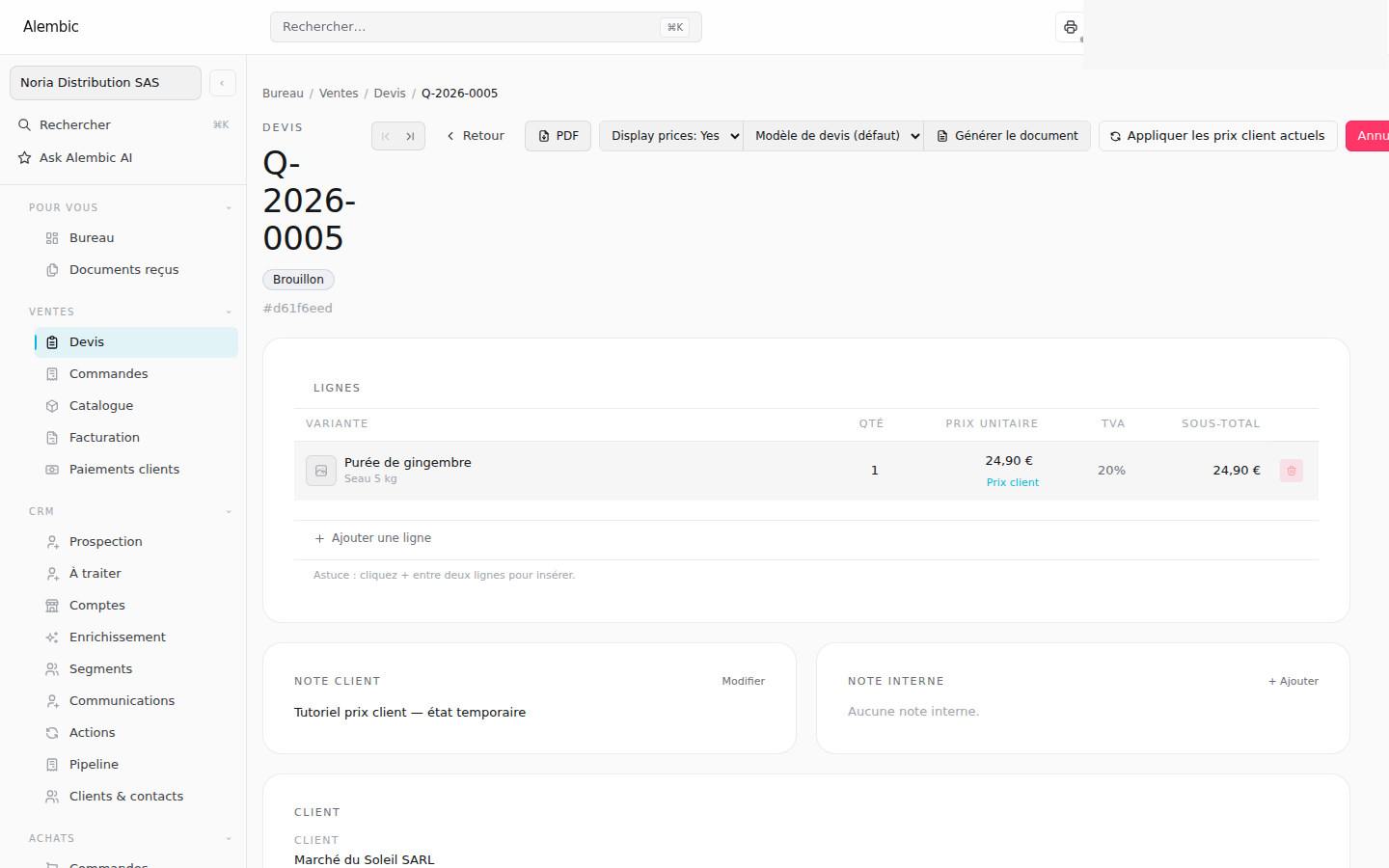
A business customer places a repeat order with agreed prices by item and pack. The salesperson prepares a quote in Web, identifies the customer prices and adjusts a line. They choose whether the adjustment applies to this sale or future sales.
The team checks stock, reserves quantities and arranges the purchasing required. Supplier receipts feed stock tracking. Preparation and delivery continue with information and permissions suited to each colleague.
On a phone, Go helps staff select items using the camera and see the terms applied. After invoicing, the customer receipt can be recorded in Web or Go.
What you track: the customer’s terms, quantities to prepare, delivery and the sale’s balance.
Scenario 02
Custom quotes and services
Atelier Signal — fictional demo scenario
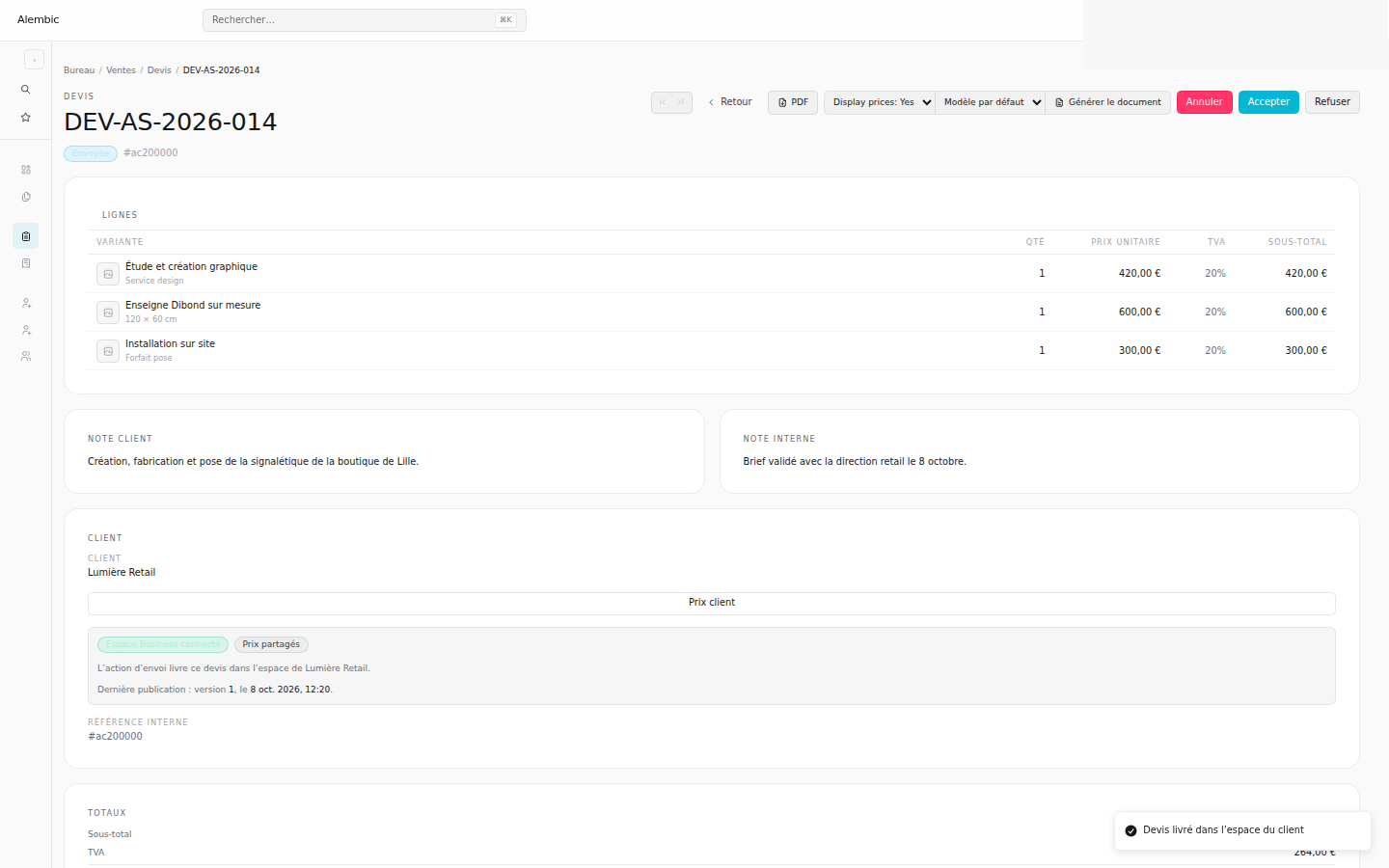
A customer requests a proposal for signage. The account manager finds the contact, follows the opportunity and prepares a detailed quote in Web. Items, quantities and document templates help present the offer.
The connected customer receives the published quote in their own workspace. When the proposal changes, the team works on its revision; previously delivered versions remain in the customer’s history.
The commercial process continues through the order, invoice and payment. Email templates and follow-ups help the team prepare the next conversations.
What you track: the opportunity, the proposal delivered and the sale’s documents and payments.
Scenario 03
Showroom and trade counter
Sol & Matière — fictional demo scenario
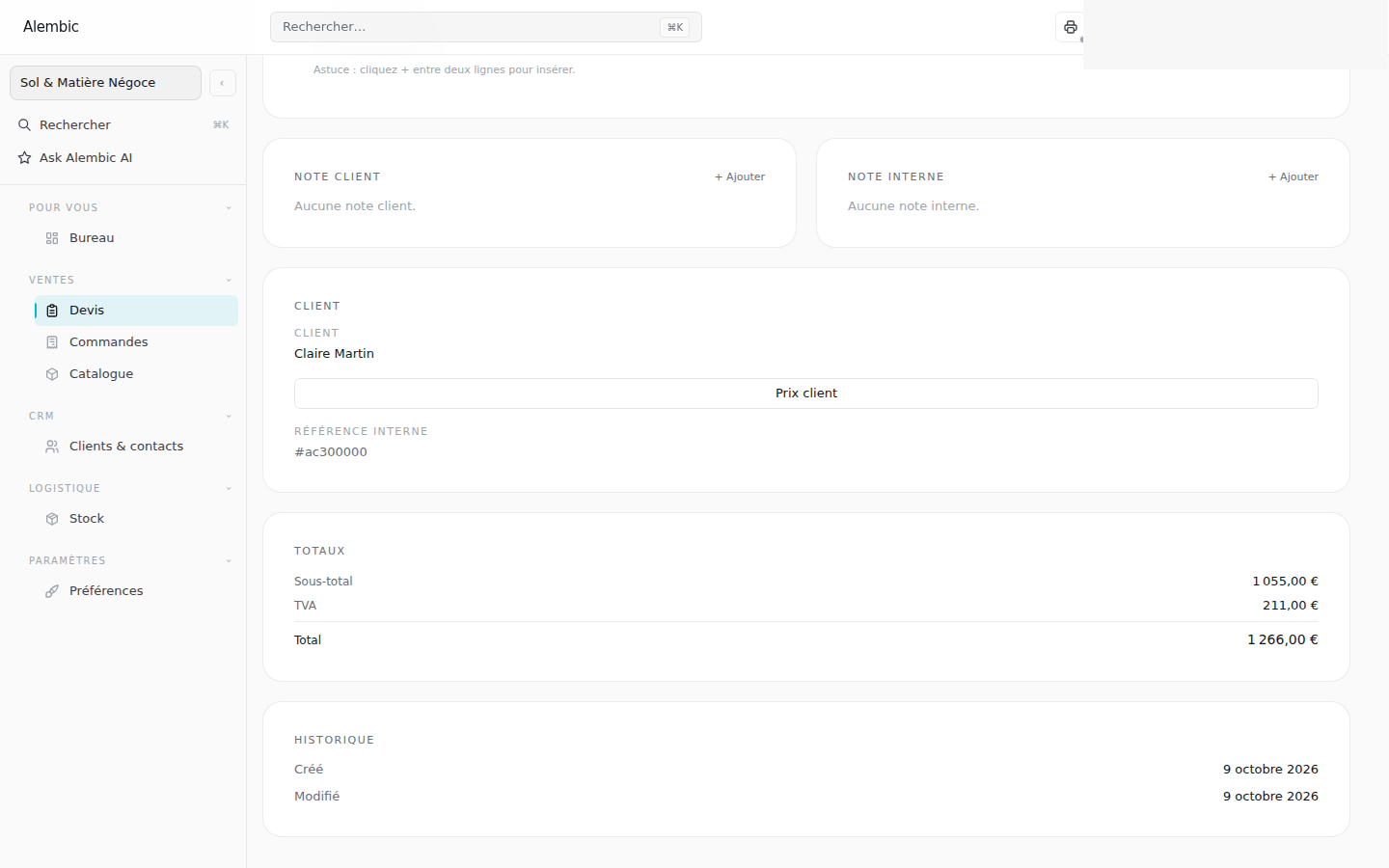
A trade customer chooses products in the showroom. The adviser finds their account and selects items or packs at a desk or on a phone. In Go, the camera supports barcode lookup and customer prices remain visible.
If a price needs to be negotiated, the adviser uses Web to adjust it and decide whether to save it for this customer. The team checks stock, prepares the quote or order, and arranges delivery.
The invoice and customer receipt complete the process. Roles distinguish people selecting items from those who can see costs and margins or validate documents.
What you track: the customer’s selection and terms, item availability and the next steps in the sale.
Workspaces for teams and customers
Web supports setting terms and preparing documents. Go supports operations on a phone. Connected customers receive published quotes in their own workspace, while staff retain the permissions suited to their role.
Which process would you like to see in your business?
Pick a situation and the people involved. We can walk through it together in Alembic and identify the capabilities and configuration you need.