Product
Sales, purchasing, stock and finance. On your terms.
A customer request involves several kinds of work. Alembic helps you prepare commercial decisions, organise their execution and follow the documents and payments that result. Explore the capabilities as the work progresses.
A request arrives and needs a next step
Find the company, its contacts and the opportunity in your sales process. Plan follow-ups and link a quote to the opportunity. Audiences and campaigns support prospecting; contact enrichment uses the providers you connect, subject to their credits and your configuration.
The quote defines what you will sell
Choose items, variants and packs. Look up the customer’s agreed prices and see which lines use them. A one-off adjustment can stay on the document; saving a price for future sales is an explicit decision in Web.
When a document is based on a parent document, a warning flags a different price. Quotes, orders and invoices let you work on the terms at the stage where they apply.
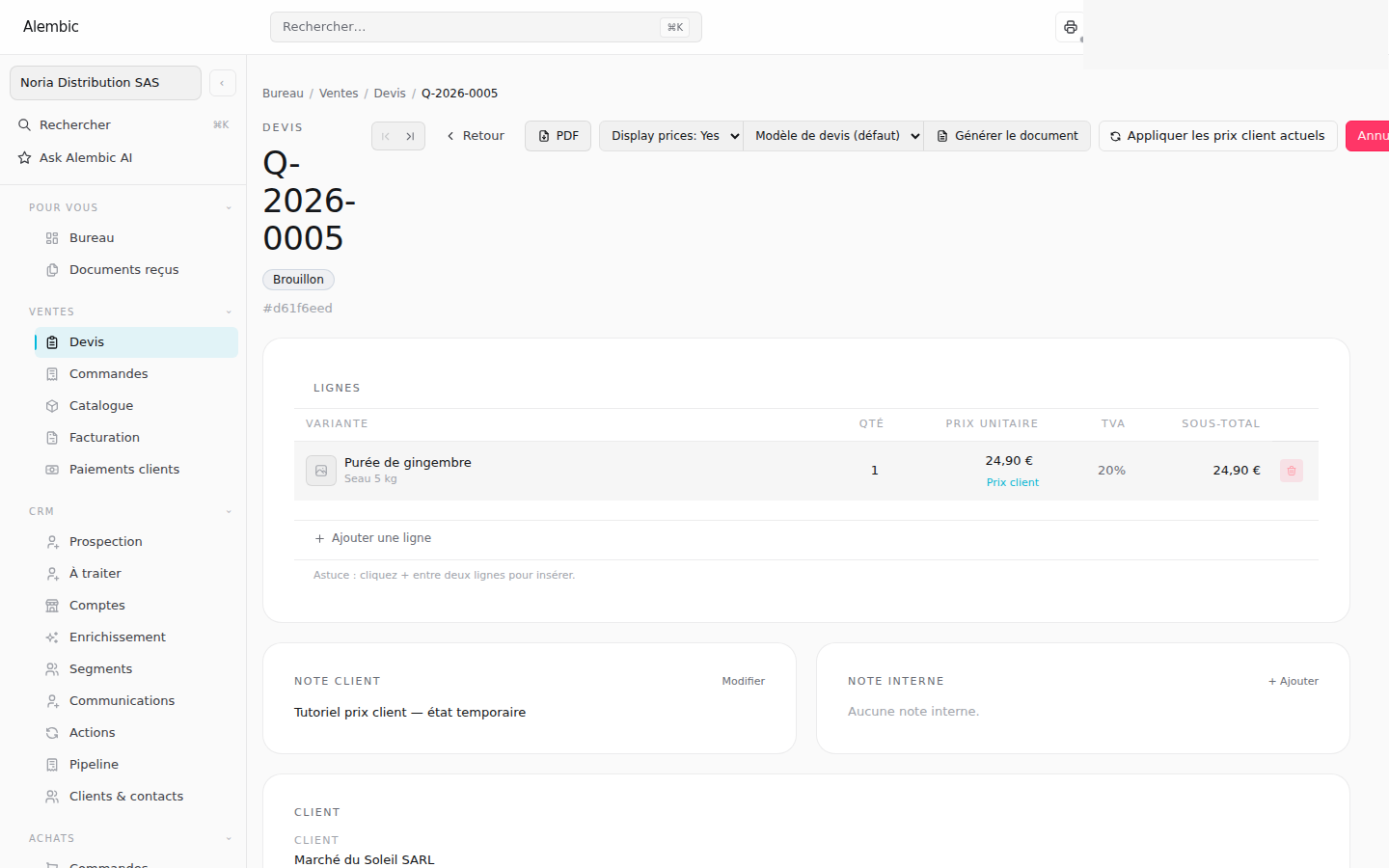
The order prepares operations for the work
Check available quantities and locations. Reserve the stock you need, prepare supplier orders and follow receipts. Movements and lots help track stock; cross-docking can be configured for flows that need it.
Permissions separate selling prices, costs and margins. A colleague without price visibility can choose items and quantities in a draft; validation remains subject to the document’s permissions.
In the field, items and delivery take over
Find an item by any of its barcodes in sales documents. On a phone, Go can use the camera to select it and show the customer prices applied. Price agreements are edited in Web.
Follow shipments, confirm deliveries and handle returns through your team’s process.
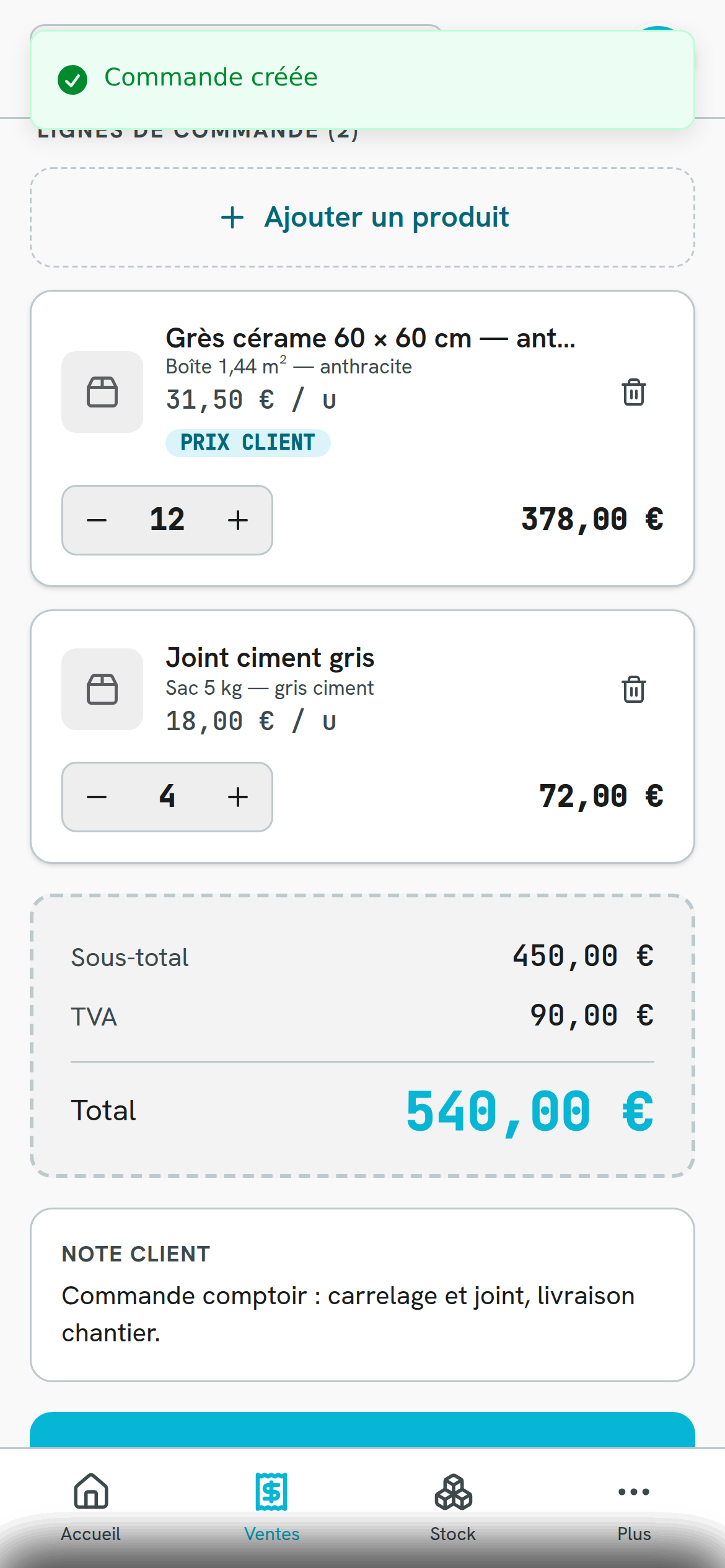
The sale continues through payment
Prepare invoices and credit notes, record receipts and check customer balances. Go supports recording customer receipts; supplier bills and payments are handled in Web. Required prices must be set before an invoice is issued.
Accounts, journals and accounting reports support the process according to your configuration. FEC export is available when the feature is enabled.
Documents reflect the way you work
Configure document and email templates. Connected customers can receive published quotes in their own workspace, where delivered versions and their history are retained.
Configured workflows can support repeated tasks. Follow-up journeys require approval, and planned human actions still need to be carried out. The API and MCP let authorised external tools connect to Alembic.
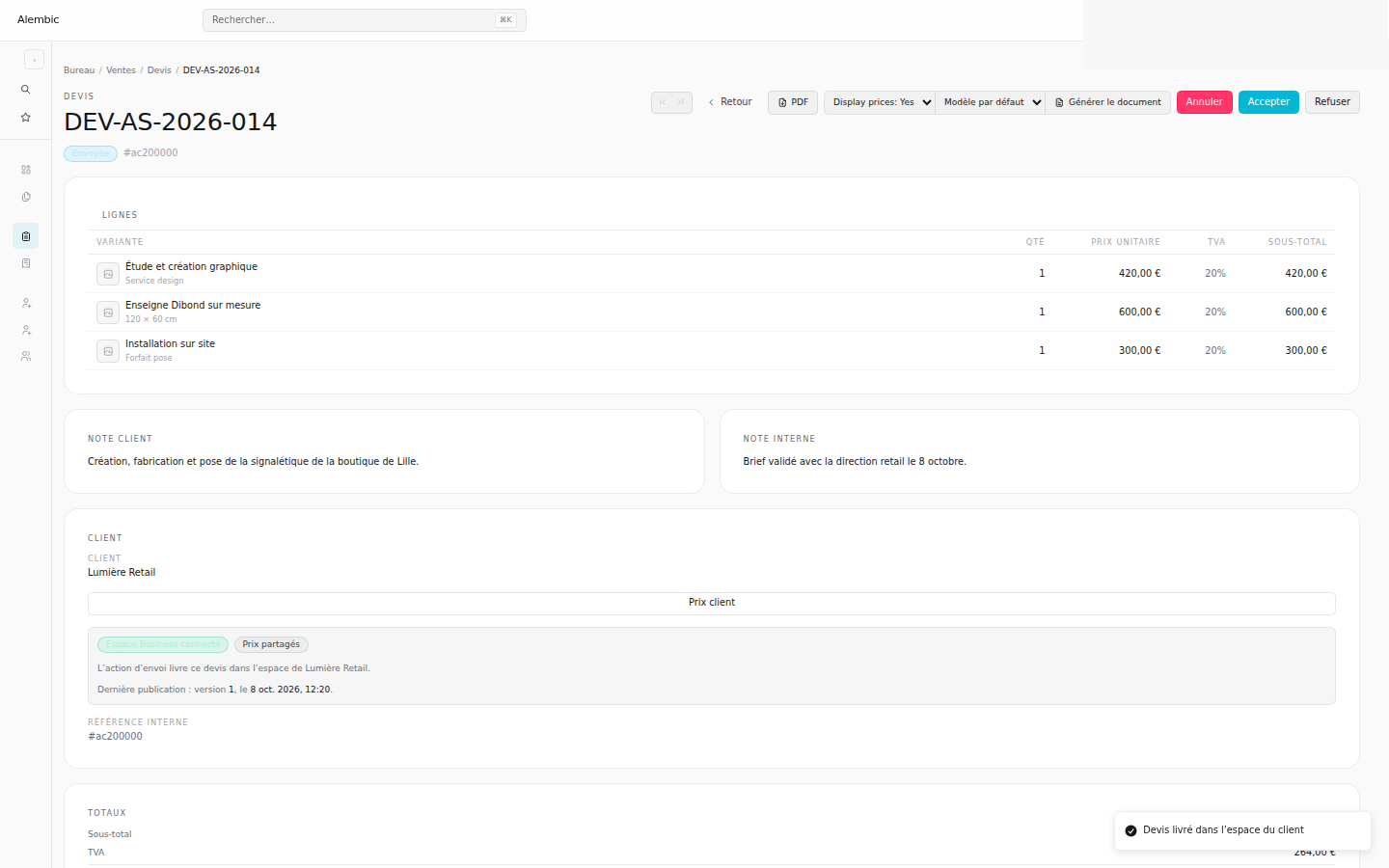
Choose the process that matters to you
See how these capabilities work together in distribution, custom quotes and services, or a showroom. Then use the guides to carry out each operation in the application.